Troubleshooting Scheduler
This article covers multiple troubleshooting topics for Apsona's Scheduler:
For tips on setting up the Scheduler, see this article
General troubleshooting steps:
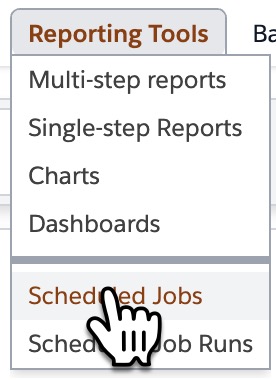
- After a scheduled job runs, a record called "Scheduled Run Result" is generated and listed as a related item to the job. To review them visit the Scheduled Job list and look below the details for the run results related list
 <!--DIMENSION:|300x200-->
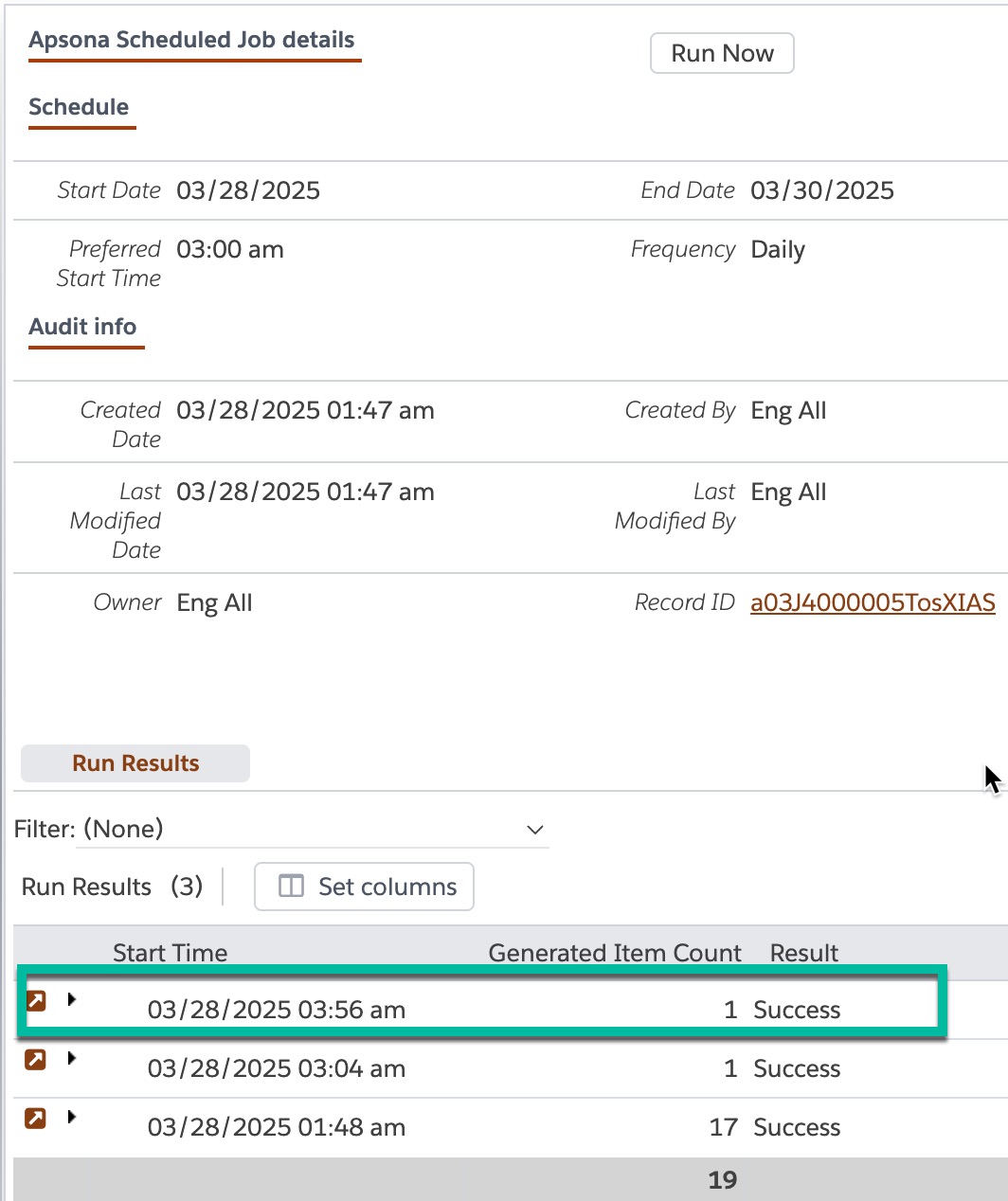
The Result field will show "Success" or "Failure". If there was a failure there will be further details listed in the Result Details field.
Some errors may not show up in these log records. Apsona staff has access to internal logs that might be able to provide further insight. Email support@apsona.com and provide your Org ID so they can analyze further. - Scheduled jobs and the reports and merge actions being scheduled can not be owned by inactive users
Known Limitations (Last updated in March 2025)
- When scheduling reports, which are emailed to defined recipients: The total size of the HTML email body, HTML attachment or CSV attachment cannot exceed 20 MB. If your email body or attachment exceeds that limit, the email you receive will include an error message indicating the size of the generated attachment, so that you can tweak your report to reduce the attachment size.
- When scheduling both merge actions and reports: Rich Text Fields, Hyperlinked Formula Text, QR and Bar codes are not yet supported
- Merge Actions that output Excel files or Address labels are not yet supported
- Merge actions where Output Structure is “Use Separate Files” is selected produces unexpected outcomes
- Merge actions with sublists using a Multi-step Report as its data source are not yet supported (will result in error: “This action uses multi-step reports, but your user id does not have a multi-step report license.”)
- Users who use the Scheduler should have their email delivery provider set to “Salesforce”. See this article on Salesforce’s website for details. If this is not done, scheduled report delivery will fail with errors such as “Missing refresh token. User might not have been authorized.”
- At this point there is not a place in your org that shows remaining Scheduler quota. You can request your remaining quota by emailing sales@apsona.com. Once you reach 75% of your runs, you will receive an automated email letting you know so that you can purchase more runs.
Scheduler Pricing
- You purchase a number of 'runs'
- For scheduled merges, you will be charged one 'run' per record in your data source. If you run a merge for 10 records, this will use 10 'runs' from your quota
- For scheduled reports, you will be charged one 'run' per report run. If you run and email out one report per a week for one year, you will be charged 52 runs for that year.
- For pricing questions email sales@apsona.com