Why is my address label merge repeating data across multiple labels or showing one row only? Why am I getting error "This is probably not an address label template"?
If your address label mail merge is not producing the output that you expect there could be a few reasons. Below are some general address label tips. If these ideas don't help, reach out to support@apsona.com
Address Label Tips:
- When building an address label template, please refer to our documentation.
- When creating an address label template, it is important to enter the merge fields into the top row only of a table. If you happen to download or create an address label template by inserting "Shapes" (ie: rectangular boxes) and put your merge fields into those shapes, the merge action will not behave properly. To know if you are using a proper "Table" click on one of the cells and look for a small 'plus' or 'compass' symbol in the upper left of the table.
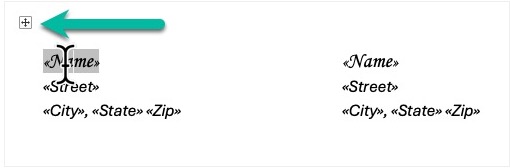
- Ensure, as the documentation describes, that you repeat the merge fields along the top row of the table, and not the full page.
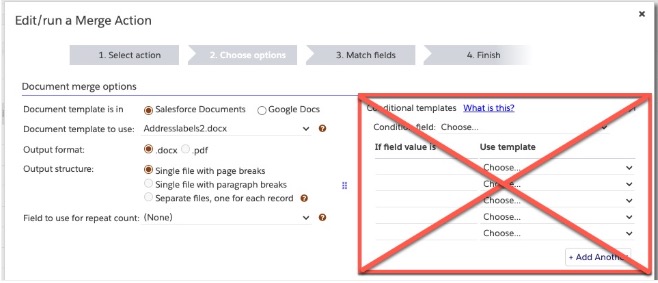
- NOTE: Our "Conditional Templates" feature will not work with Address Labels even though the UI may still display it.
- If you see that your output shows the same record across the full row, it may be due to one of the three bullets above.
- If you receive the error "Cannot set up template: This is probably not an address label template - Can't find any first-row-of-table cells containing merge fields in it." it may be due to one of the reasons above.