Why can't I update records from my Merge Action? Why can't I attach outputs to records from my Merge Action? Why don't Logging Options work?
In our Document Merge tool, there are two logging options that are sometimes unavailable. Here is how to solve each:
Issue 1: You can not attach the resulting output document to the salesforce record as a Salesforce File.
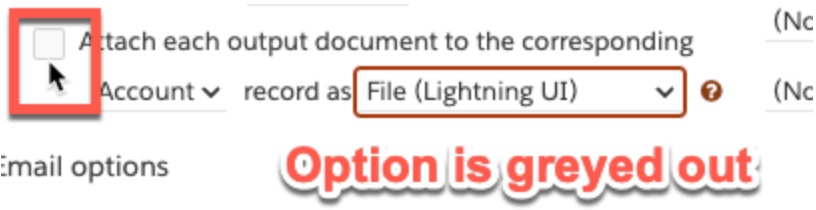
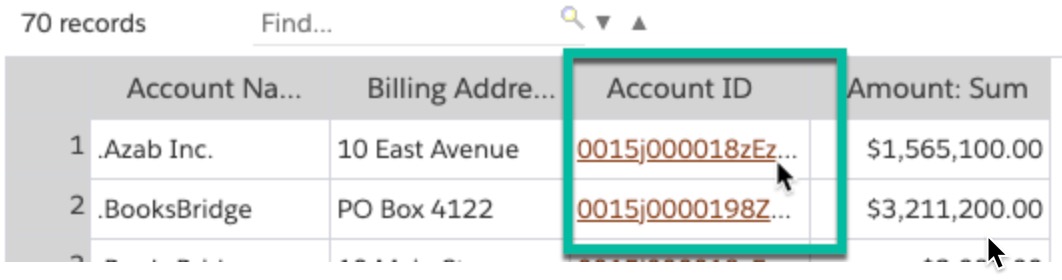
a.The first thing that is needed for this is to work is to include the record ID field in the data source (ie: report). Apsona needs the record ID to find it and attach the file
b.The second thing needed is to choose "Separate files" for your Output Structure. Apsona needs to build the outputs separately for each record in order to attach them as separate files to each Salesforce record.

Issue 2: The other logging option that is sometimes unavailable is the ability to update fields on the Salesforce records after running the merge. You may be able to choose fields to update, but they do not get updated as expected.
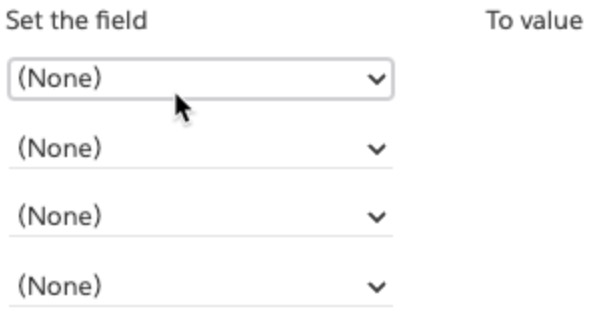
a. This feature requires the ID field for the object that you want to update, but you do not need the output structure to be "separate files", you can choose "single file" and this feature will still work. Furthermore, if you want to update a parent object, be sure to include the parent record ID as well.